If you have ever opened both Claude and ChatGPT and wondered which one to actually use for your work, you are not alone. I get this question constantly from business owners, freelancers, and people just starting with AI tools. And the honest answer is not "use one and ignore the other." It is "know which one wins at what."
Both are genuinely excellent. But they are built around different priorities, and once you understand that, the choice becomes much easier.
This article breaks down exactly where Claude wins, where ChatGPT wins, and gives you a clear decision rule for 2026.
What Is Claude AI?
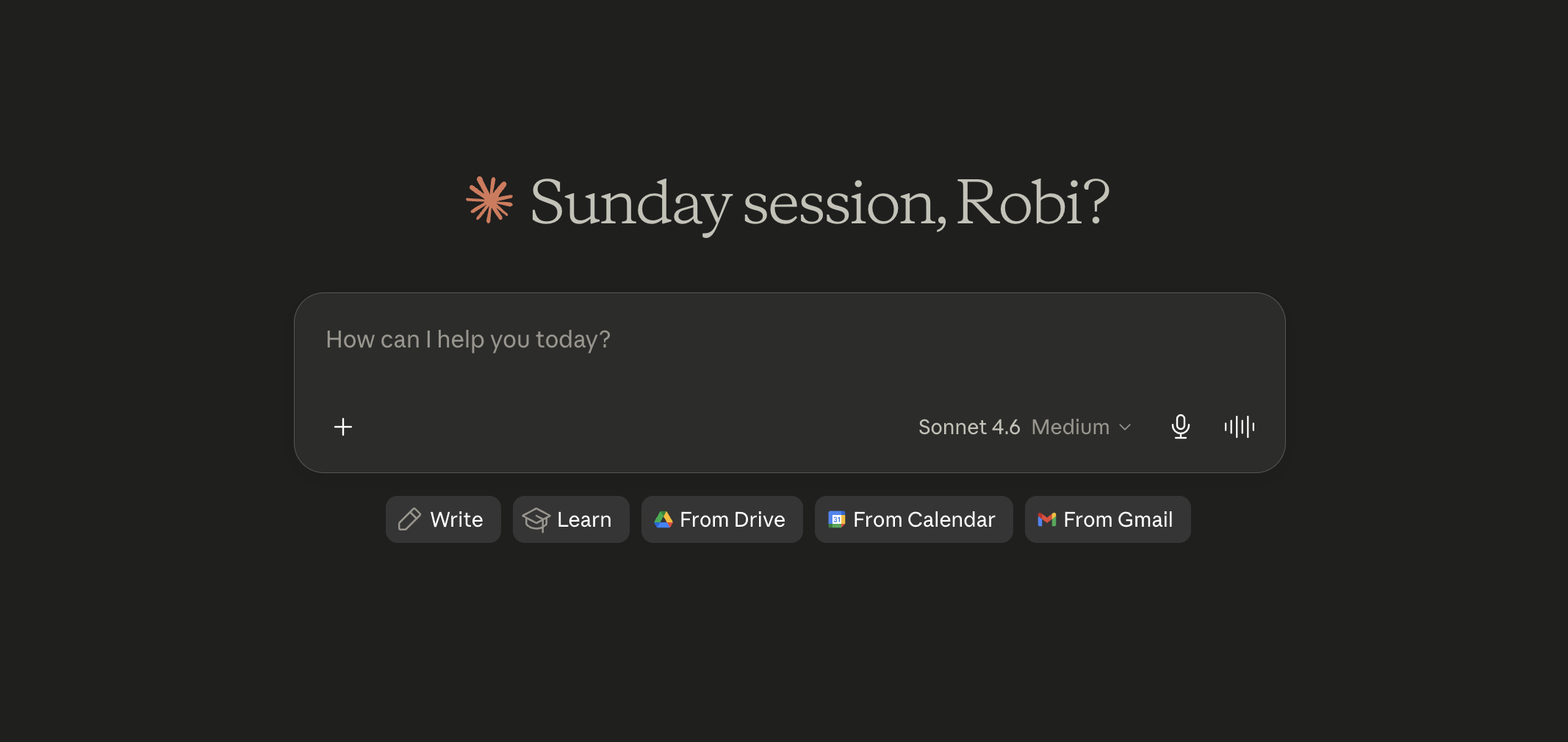
Claude is an AI assistant built by Anthropic, a safety-focused AI company. The current flagship models are Claude Opus 4.7 and Claude Sonnet 4.6, with Claude Haiku 4.5 as the fast, lightweight option.
Claude is built around three core strengths:
- Long-context processing: Claude can handle documents up to 500,000 tokens (roughly 375,000 words) in a single session. That is the entire Lord of the Rings trilogy, analyzed in one go.
- Business writing quality: Claude writes with nuance and consistency. It does not default to bullet-heavy, over-formatted outputs the way many AI tools do.
- Safety and accuracy: Anthropic trains Claude to acknowledge uncertainty and stay closer to what it actually knows. This matters a lot for business use.
Claude's full documentation is at docs.anthropic.com.
What Is ChatGPT?
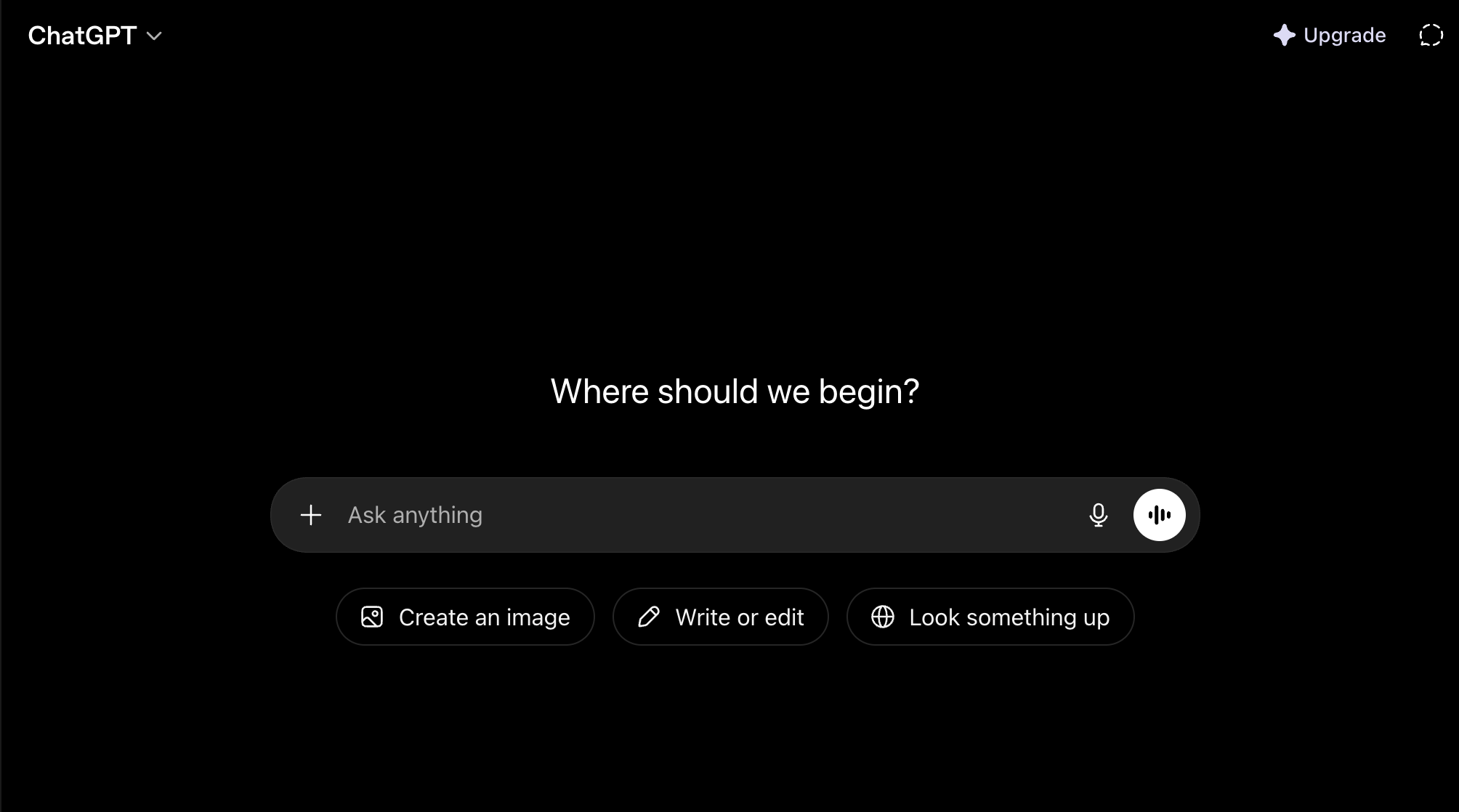
ChatGPT is an AI assistant built by OpenAI. The current lineup includes GPT-5.5, GPT-5.4, and the reasoning-focused o3 model, all accessible through the ChatGPT interface.
ChatGPT is built around a different set of strengths:
- Multimodal capabilities: ChatGPT can generate images with DALL-E, analyze photos, process voice input, and interpret visual data natively.
- Real-time web access: ChatGPT can browse the web and pull current information into its answers.
- Ecosystem and integrations: ChatGPT connects with hundreds of third-party apps, has custom GPTs you can install, and integrates directly with tools like Zapier and Microsoft products.
ChatGPT's pricing page is at openai.com/chatgpt/pricing.
Pricing in 2026: Both Start Free
Before going into the comparison, pricing is close enough that it should not be your deciding factor.
| Plan | Claude | ChatGPT |
|---|---|---|
| Free | Claude.ai (Sonnet 4.6, limited) | ChatGPT Free (GPT-4o mini) |
| Paid Individual | ~$20/month (Claude Pro) | ~$20/month (ChatGPT Plus) |
| Team/Business | Claude Team / Claude Enterprise | ChatGPT Team / ChatGPT Enterprise |
Both offer a free tier. Both paid plans are roughly $20 per month. The difference is what you get for that money, which is where things get interesting.
Claude's pricing: anthropic.com/pricing
Claude vs ChatGPT: Head-to-Head on 15 Real Use Cases
Here is where I tested both tools across the tasks that matter most to business owners, freelancers, and professionals.
1. Business Writing (Emails, Reports, Proposals)
Winner: Claude
Claude writes like a thoughtful human. It avoids the signature over-structured, bullet-heavy output that ChatGPT has become known for. When I asked both tools to write a proposal email to a potential client, Claude's version was polished, professional, and felt personal. ChatGPT's version was formatted like a slide deck.
For any writing that goes directly to a client or audience, Claude is my default.
2. Long Document Analysis
Winner: Claude (by a large margin)
Claude's 500,000-token context window is a game-changer for anyone who works with lengthy documents. You can paste an entire research report, a book manuscript, a legal contract, or a long business plan and ask Claude to analyze, summarize, or extract specific information.
ChatGPT has improved here, but Claude still holds a clear advantage for truly long documents.
3. Image Generation
Winner: ChatGPT
Claude does not generate images. ChatGPT creates images using DALL-E, right inside the chat. If image creation is part of your workflow, ChatGPT wins this outright.
4. Coding
Winner: Claude (for complex tasks)
Claude Opus 4.7 and Sonnet 4.6 hold top positions on coding benchmarks, and a Menlo Ventures report showed Claude holds 42-54% of enterprise coding spend compared to OpenAI's 21%. For complex, multi-file coding tasks and autonomous software engineering, Claude wins.
For quick snippets and simpler scripts, both are excellent and it is mostly preference.
5. Real-Time Information and Web Search
Winner: ChatGPT
ChatGPT can browse the web and pull current data. Claude's knowledge has a cutoff date and does not browse the internet by default. If you regularly need up-to-date news, prices, or research from the current week, ChatGPT has the clear advantage here.
6. Marketing Copy (Ads, Captions, Landing Pages)
Winner: Tie, with Claude edging ahead for long-form
For punchy ad copy, short captions, and quick landing page blurbs, both tools are strong. Claude consistently writes more natural-sounding copy that does not trigger the "obviously written by AI" alarm. For longer landing pages or email sequences, Claude's writing quality pulls ahead.
7. Data Analysis from Files
Winner: ChatGPT (with Advanced Data Analysis)
ChatGPT's Advanced Data Analysis feature lets you upload a CSV and get charts, summaries, and calculations automatically. Claude can read and analyze data, but does not produce live visual charts the same way.
8. Research Summarization
Winner: Claude
When I gave both tools the same research paper and asked for a plain-English summary with key findings, Claude's output was more accurate, better cited, and less prone to filling gaps with plausible-sounding fiction. Claude's tendency to say "I am not certain about this" actually makes it more trustworthy for research work.
9. Customer Support Drafts
Winner: Claude
Empathetic, clear, and professional. Claude handles nuanced customer support drafts better. It holds tone consistently and adjusts warmth or firmness based on the situation without being prompted repeatedly.
10. Email Marketing Sequences
Winner: Claude
Multi-email sequences require consistency of voice across multiple pieces. Claude maintains this better than ChatGPT, which sometimes drifts in tone or repeats itself when given large writing tasks.
11. Brainstorming and Idea Generation
Winner: Tie
Both are excellent brainstorming partners. I use both for this depending on what is open at the moment. ChatGPT sometimes generates more unexpected ideas. Claude's ideas tend to be more practically grounded.
12. Social Media Post Writing
Winner: Claude
For caption writing, Claude does a better job matching brand voice and keeping things concise. ChatGPT can over-explain or add unnecessary hashtags unless you constrain it tightly.
13. Voice Input and Conversations
Winner: ChatGPT
ChatGPT has native voice mode that lets you have a spoken conversation with the AI. Claude does not have this. If voice interaction is important to your workflow, ChatGPT wins.
14. Coding Automation and Agent Workflows
Winner: Claude (with Claude Code)
Claude Code is Anthropic's terminal-based agentic coding tool. Developers describe it as the first AI that actually works like a junior engineer on real codebases. For autonomous, multi-step coding tasks, Claude Code is the leading tool in 2026.
15. Third-Party App Integrations
Winner: ChatGPT
ChatGPT connects with a broader ecosystem of third-party apps, custom GPTs, and platforms like Microsoft Copilot. If you are deeply embedded in Microsoft 365 or want to use plug-and-play AI integrations, ChatGPT's ecosystem is more developed right now.
The Simple Decision Rule
After testing both tools extensively, I use this simple rule:
Use Claude when:
- You are writing something that will be read by a client, audience, or customer
- You need to analyze, summarize, or extract from long documents
- You are doing complex coding or software engineering
- Accuracy and nuanced reasoning matter more than speed
- You want an AI that reads like a thoughtful human, not a formatted template
Use ChatGPT when:
- You need to generate images
- You need real-time web information
- You want voice interaction with your AI
- You use Microsoft 365 and want deep native integration
- You need quick data visualization from a spreadsheet
The honest answer most professionals land on is: use both. Use Claude as your primary writing and reasoning partner. Use ChatGPT for multimodal tasks, web searches, and image generation.
What I Personally Prefer (and Why)
I have been using both tools daily since 2024. For my content work, client deliverables, and writing tasks, Claude is my first choice. The quality of the output requires less editing, and the writing does not have that polished-but-hollow AI feel that ChatGPT can sometimes produce.
What I love about Claude is that it pushes back. When I write something unclear, Claude often asks for clarification instead of guessing. That might sound like a small thing, but it has saved me hours of fixing outputs based on assumptions.
That said, I still keep ChatGPT open for image generation and anything that needs up-to-date web data.
A Word on Pricing: Free Tiers Are Worth Trying
If you have not committed to either, both offer free tiers. Start with both for a week using real tasks from your workflow. The difference becomes obvious quickly.
- Start Claude free at claude.ai
- Start ChatGPT free at chatgpt.com
Bottom Line
Claude AI and ChatGPT are the two best AI assistants available in 2026. Claude wins for writing quality, document analysis, long-form reasoning, and coding. ChatGPT wins for image generation, real-time web access, voice interaction, and ecosystem integrations.
For business owners and professionals focused on content, writing, and document work, Claude is the better daily driver. ChatGPT is the better multimodal Swiss Army knife.
Download the free comparison guide below for a printable summary of all 15 test results and a decision flowchart you can keep for reference.
Ready to get started with Claude? Read How to Start Using Claude AI as a Complete Beginner for a step-by-step setup guide.
Want to go further? Check out How to Get Anthropic's Free AI Courses and Earn a Certificate and How to Start a One-Person AI Business Using Claude and OpenClaw.